
The Devices That Outlive Their Companies
If you own hub-based Zigbee, Z-Wave, Thread, or Matter devices, they keep running locally, while cloud-only Wi-Fi gadgets usually stop when the server does. Remote access, voice control, and updates go either way, so buy the devices that would still do their core job on the day the service ends.
A smart plug has no opinion about whether its manufacturer is still in business. The app on your phone does, and so does the server that app talks to.
This is the failure mode that catches owners off guard. The hardware sits on the wall in perfect condition while the service that gave it instructions disappears.
It has happened repeatedly across the category. Insteon took its cloud offline abruptly in 2022, Best Buy ended its Insignia Connect platform, Google retired Dropcam and Nest Secure, and Belkin announced an end-of-support date for most Wemo devices.
None of those announcements arrived with a hardware failure. The devices kept drawing power and kept their radios alive, and owners discovered that the intelligence had been living somewhere else all along.
The Blunt Answer
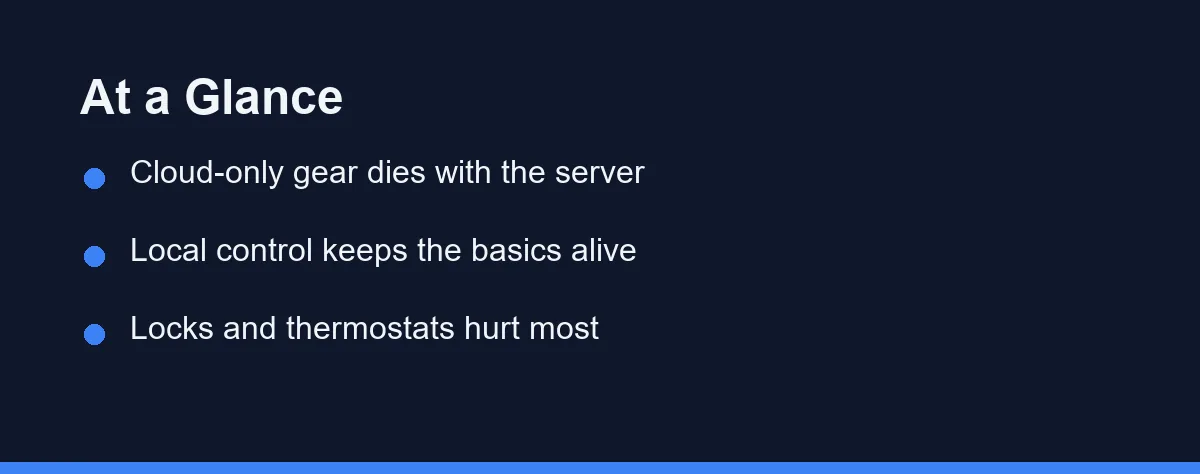
Whether your device survives depends on one question: where the decision gets made. A plug that decides locally to switch on at sunset keeps switching on, and a plug that waits for a cloud instruction waits forever.
Most Wi-Fi devices sold on price alone fall into the second group. They are cheap partly because the manufacturer skipped the local logic and pushed everything to a server.
Hub-based devices using Zigbee, Z-Wave, or Thread usually survive in reduced form. The hub keeps running your automations, and what you lose is remote access, voice control, and future updates.
The practical rule is uncomfortable but simple. Assume every cloud service you rely on has an end date, and buy the devices that would still do their core job on the day it arrives.
What Survives a Shutdown
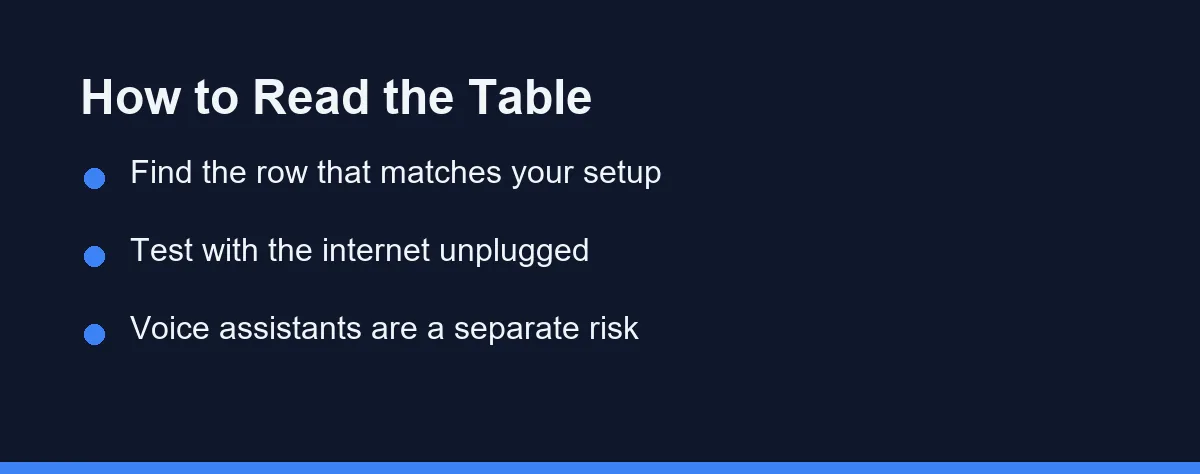
The table below sorts the common architectures by what actually keeps working when the manufacturer’s servers stop responding.
| Setup | Local control | Automations | Remote access | Realistic outcome |
|---|---|---|---|---|
| Cloud-only Wi-Fi device | None | Stop entirely | Gone | Manual switch at best, often nothing |
| Wi-Fi device with local API | Partial | Depend on your hub | Gone | Usable with a third-party hub |
| Zigbee or Z-Wave with your hub | Full | Keep running | Gone unless self-hosted | Core function intact |
| Thread or Matter with a local hub | Full | Keep running | Depends on the ecosystem | Strongest survival odds |
| Device with physical controls | Full | Stop | Gone | Works as a dumb appliance |
Read the last column rather than the first. A thermostat that reverts to a manual dial is an inconvenience, while a lock that only opens through a dead app is an emergency.
The middle row is where most careful buyers land. Our comparison of Matter and Zigbee explains how those protocols differ in where the logic lives.
The Warning Signs Before It Happens
Companies rarely shut a service down without leaving a trail. Firmware updates stop arriving first, often a year or more before any announcement.
App updates slow next. When the mobile app has not shipped a release in many months while the operating system moves on, compatibility breaks arrive on their own schedule.
Watch for a change in what the company sells. A brand that quietly removes a product line from its own store has usually made the internal decision already.
Acquisitions deserve particular attention. A platform bought by a larger company often gets folded into the buyer’s ecosystem, and the older accounts get an end date rather than a migration.
Support forums give the earliest signal of all. Threads that used to draw official replies within days start going unanswered, which tells you the team has moved on.
Testing Your Own Setup Tonight
There is a simple test that answers the question for your specific hardware. Unplug your router, wait a minute, then try to control each device.
What still works is what survives a shutdown. What fails during a five-minute internet outage will fail permanently when the servers go away.
Run the test on the automations too, not only the manual controls. A schedule stored in the cloud disappears with the cloud, while one stored on a local hub keeps firing.
Note which devices required the app to reconnect afterwards. Devices that need a cloud handshake to resume are the ones with the shortest useful life.
Write the results down by room. That list becomes your replacement priority order, and it costs nothing to produce.
What Rebuilding a Room Actually Costs
The financial damage rarely matches the sticker price of the dead devices. What drives the cost is installation, not hardware.
A bulb or a plug costs a few minutes and a small purchase. Nothing is wired, nothing is drilled, and the replacement arrives the next day.
A wall switch is a different project. The old one sits in a gang box behind a plate, the neutral wire may or may not be there, and matching finishes across a room turns one failure into four replacements.
Thermostats add a compatibility question on top of the labour. Wiring varies by heating system, and a replacement that fits your furnace may not fit the plate footprint the old unit left behind.
Cameras carry a storage problem rather than a mounting one. Footage held in a closing cloud service leaves with it, and the replacement system rarely imports history from a competitor.
Locks sit at the top of the list for a reason. A failed smart lock can mean a locksmith, a new strike plate, and a door that no longer closes the way it did.
Which Ecosystems Are Likeliest to Last
No company is immune, so judge by structure rather than by logo. Ask who profits from keeping your device alive after the sale.
Platforms tied to a hardware ecosystem tend to persist longest, because the devices sell the platform rather than the other way round. Standalone cloud services funded by a single product line carry the most risk.
Subscription-funded services sit in an awkward middle. Recurring revenue keeps the lights on, but it also means the company can raise the price of something that used to be free, which several platforms have done.
Open standards change the calculation more than brand strength does. A certified Matter or Z-Wave device can outlive the company that made it, because the protocol does not belong to that company.
The one thing worth avoiding is a proprietary radio paired with a single-product company. That combination has produced most of the abandoned hardware in this category.
Buying So This Hurts Less
Prefer devices that work without an account for their core function. A lock with a keypad, a thermostat with a dial, and a switch with a physical button all degrade gracefully.
Favour open protocols over proprietary radios. Zigbee, Z-Wave, and Thread devices can usually move to a different hub, while a proprietary radio ties you to one company’s survival.
Check whether a local API exists before you buy, not after. The Connectivity Standards Alliance publishes which products carry Matter certification, which is a reasonable starting filter.
Look for a stated support window too. An FTC staff survey of 184 smart products, released in November 2024, found that nearly 89% did not say on their websites how long they would get software updates. If the product page is silent, ask the maker before you buy.
Keep the hub separate from the devices. A setup where one company supplies both the brain and the limbs concentrates your risk in a single balance sheet.
Our guide to whether you need a smart home hub covers the trade-off between simplicity and independence.
Who Should Worry, and Who Should Not

The renter with a handful of plugs and bulbs: Relax. Your exposure is small, the devices are cheap to replace, and nothing is wired into the building.
The homeowner with hardwired switches and a thermostat: Take this seriously. Replacement means an electrician or a plate that no longer matches, so buy for protocol independence rather than app polish.
The owner of a smart lock: Treat the physical key path as mandatory. A lock whose only entry method depends on a running server is a risk you should not accept at any price.
The person running a camera system: Check where the recordings live. Cloud-only footage disappears with the service, and local storage keeps working even when the app dies.
The tinkerer with a self-hosted hub: You have already solved most of this. Your remaining exposure is firmware updates and the voice assistant, both of which stay outside your control.
The buyer starting fresh in 2026: Choose the ecosystem before the devices. The hub decision determines what happens to every purchase you make for the next several years.
If the Announcement Has Already Arrived
Read the notice carefully for a migration path. Some companies open up local control on the way out, which turns a shutdown into a hub swap rather than a landfill trip.
Export what you can while the service still runs. Camera footage, schedules, and device lists become unrecoverable the moment the account closes.
Check whether a community project supports your hardware. Several discontinued platforms gained third-party support after the fact, though that path assumes comfort with configuration files.
Replace by cost of failure rather than by age. The lock and the thermostat come first, the cameras next, and the bulbs whenever convenient.
Then buy the replacement with this experience in mind. The lesson is not that smart homes are a bad idea, but that the intelligence belongs somewhere you control.
Resilience matters most for devices that act on their own. A main line water shutoff closes the valve on the device itself, which is the behavior to look for.
FAQ
Can a smart home device stop working if the company shuts down its servers?
Yes, and it has happened to several well-known platforms. Devices that route every command through a manufacturer's cloud lose their app, their automations, and often their basic on-off function when that cloud goes dark. Hardware with local control keeps working on your own network.
How do I tell whether a device depends on the manufacturer's cloud?
Check where the decision happens. If pressing a button in the app still works with your internet unplugged, the logic runs locally, and a server shutdown affects remote access rather than the device itself.
Does Matter protect me from a brand shutting down?
Matter and Thread push more of the decision-making onto your own hub, which removes one common failure mode. They do not remove it entirely, because firmware updates, account recovery, and voice assistants still run through company infrastructure.
Do manufacturers compensate owners when they end support?
Sometimes, and the answer usually appears in the shutdown notice rather than in the warranty. Some companies have offered credit, discounts, or replacement hardware, while others simply announced an end date. Read the official support notice for your specific model.
Which devices should I replace first when support ends?
Prioritise the devices that are expensive to replace or physically installed, such as locks, thermostats, and hardwired cameras. A discontinued bulb costs little to swap, while a dead smart lock is a locksmith visit and a door repair.
Sources
- Matter (Connectivity Standards Alliance) — checked 2026-09-08
- ENERGY STAR: smart thermostats — checked 2026-09-08
- Thread Group — checked 2026-09-08
- FTC: Smart Products Surveyed Fail to Provide Consumers with Information on How Long Companies will Provide Software Updates — checked 2026-09-29
Some links may be affiliate links. We may earn a commission at no extra cost to you.
This article was written with AI assistance. It is researched and fact-checked, not based on personal hands-on testing unless explicitly stated.

No comments:
Post a Comment