
The Quiet Payback Upgrade
Few upgrades pay you back as quietly as a smart thermostat. Swapping a basic wall dial for a programmable, app-controlled unit brings both easier comfort and smarter energy use.
By 2026, the category has settled into a mature and reliable field. Almost every leading model handles voice assistants, remote scheduling, and app control.
The real differences now come down to ecosystem fit, wiring needs, and how deep the extra features run. If you are torn between two names, our Nest vs ecobee comparison goes deeper on that matchup.
Fit Beats Features

The best smart thermostat is the one that fits your wiring, your HVAC system, and your preferred ecosystem. There is no single winner for every home.
For deep Google Home integration, Nest models are a natural fit. For Apple Home and HomeKit users, ecobee is a strong choice. For broad compatibility and value, Amazon and Honeywell Home options compete well.
Before buying, check whether your system has a C-wire. Then decide if you want learning automation or manual schedules, and confirm current pricing on the official site.
Compatibility Comes Before Everything
Smart thermostats work with most common 24-volt HVAC systems. Some high-voltage, line-voltage, or proprietary systems are not supported at all, and no feature list rescues that mismatch.
Power delivery matters next. Many models prefer a dedicated C-wire for stable operation, and while some include adapters or power-stealing methods, a C-wire is the most reliable path.
Many buyers self-install in under an hour with a screwdriver and the app guide. Photograph and label the existing wires before you disconnect anything.
If your system is unusual or high-voltage, an HVAC professional is the safer route. That labour cost belongs in your total budget rather than as a surprise afterwards.
Pick Your Ecosystem, Then Your Brand
Ecosystem support shapes the daily experience more than any single feature. Decide whether you use Amazon Alexa, Google Home, or Apple Home first, and let that narrow the shelf.
A thermostat that matches your assistant feels smoother in ordinary use. Routines fire from one app, and voice commands behave consistently across devices.
For a fully connected home, coordinate this choice with everything else. A consistent assistant simplifies routines across your best smart speakers and lighting, and it reduces app clutter over time.
Five Brands Worth Knowing
The market includes several well-known brands with broad track records. The picks below highlight different strengths rather than a strict ranking.
Google Nest Learning Thermostat
The Nest Learning Thermostat is known for its automation and clean design. It can build schedules from your behavior over time. It integrates tightly with Google Home and supports Alexa as well.
Google Nest Thermostat
The standard Nest Thermostat is a more affordable entry point. It drops some learning features but keeps app control and scheduling. It is a practical choice for first-time buyers on a budget.
ecobee Smart Thermostat
ecobee models stand out for including or supporting remote sensors. They work across Alexa, Google Home, and Apple Home ecosystems. Some versions add built-in voice assistant features for hands-free control.
Amazon Smart Thermostat
Amazon’s thermostat focuses on value and Alexa integration. It covers core scheduling and remote control reliably. It is appealing for households already invested in the Alexa ecosystem.
Honeywell Home T-Series
Honeywell Home offers a range of connected thermostats at various tiers. These models emphasize broad compatibility and flexible scheduling. They suit buyers who want a familiar, dependable brand.
Model By Model
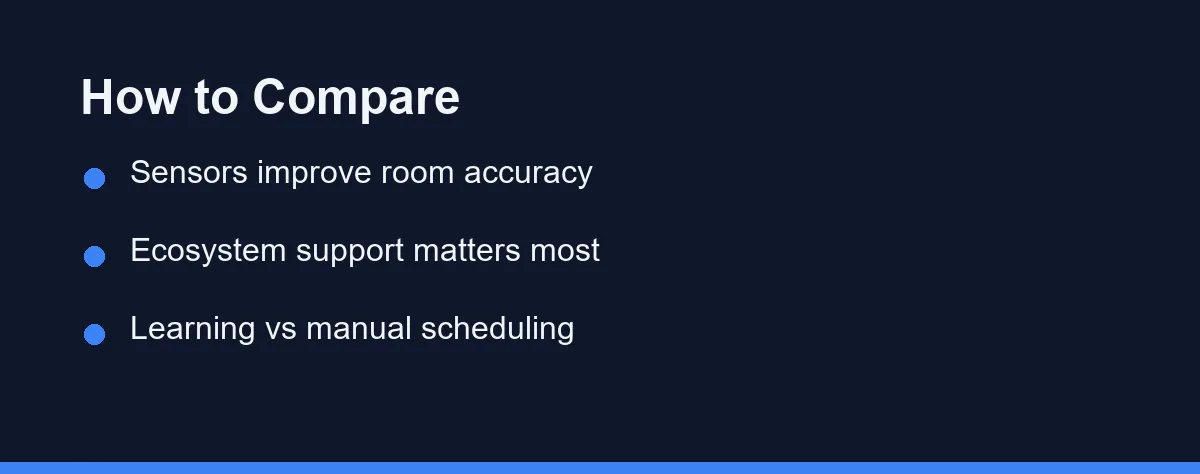
The table below summarizes typical strengths across leading options. Exact features vary by specific model and revision. Always confirm details on the manufacturer site before buying.
| Model | Best Ecosystem | Remote Sensors | Learning/Auto | Voice Built-In |
|---|---|---|---|---|
| Nest Learning Thermostat | Google Home | Optional add-on | Yes | No |
| Nest Thermostat | Google Home | Optional add-on | Limited | No |
| ecobee Smart Thermostat | Apple/Alexa/Google | Included or available | Eco modes | Some models |
| Amazon Smart Thermostat | Alexa | Not supported | Schedule-based | No |
| Honeywell Home T-Series | Alexa/Google | Varies by model | Schedule-based | No |
| ecobee Smart Thermostat Premium | Apple/Alexa/Google | Included | Eco modes | Yes |
| Wyze Thermostat | Alexa/Google | Not supported | Schedule-based | No |
| Emerson Sensi | Alexa/Google/Apple | Not supported | Schedule-based | No |
The biggest differentiator is ecosystem alignment, and sensor support is the second dividing line. Voice control has become a baseline expectation, so most models answer Alexa or Google Assistant commands.
A few include a built-in assistant, which removes the need for a separate speaker in that room.
Sensors, Learning, And Energy Reports
Remote room sensors, occupancy detection, and energy reports are where the tiers separate. These features improve comfort and efficiency, and they also add cost, so weigh them against your needs.
Learning automation appeals to people who dislike manual scheduling. Others prefer the predictability of fixed schedules, and neither approach is universally better.
Energy reporting depth also varies. Premium models often provide usage breakdowns and efficiency tips, while budget models keep reporting simple.
Display quality varies more than people expect, since some models use bright touchscreens and others rely on dials or buttons. Privacy deserves a quick review too, because thermostats with sensors may track occupancy and motion data, as do your best home security cameras.
Price Tiers And Rebates
Smart thermostat pricing spans a wide range across brands and tiers. The table below pairs leading models with their best-fit ecosystem and an approximate price tier. Treat it as a market map, not a firm quote.
| Example Model | Best Ecosystem | Remote Sensors | Approx. Price Tier* |
|---|---|---|---|
| Wyze Thermostat | Alexa / Google | Not supported | Budget |
| Amazon Smart Thermostat | Alexa | Not supported | Budget |
| Nest Thermostat | Google Home | Optional add-on | Value |
| Honeywell Home T9 | Alexa / Google | Included or available | Mid-range |
| ecobee Smart Thermostat | Apple / Alexa / Google | Included or available | Mid-to-upper |
| Nest Learning Thermostat | Google Home | Optional add-on | Upper-mid |
*Approximate at the time of writing. Confirm current pricing on the official site for the retailer or brand before buying.
Entry models cost less and focus on core features, while premium models add learning, sensors, and richer displays. Remote sensors and accessories may be sold separately.
Many regional utilities offer rebates for qualifying thermostats, and those rebates can meaningfully lower your effective cost. Check the official Google, ecobee, Amazon, or Honeywell pages for accurate figures.
A Short Pre-Purchase Check
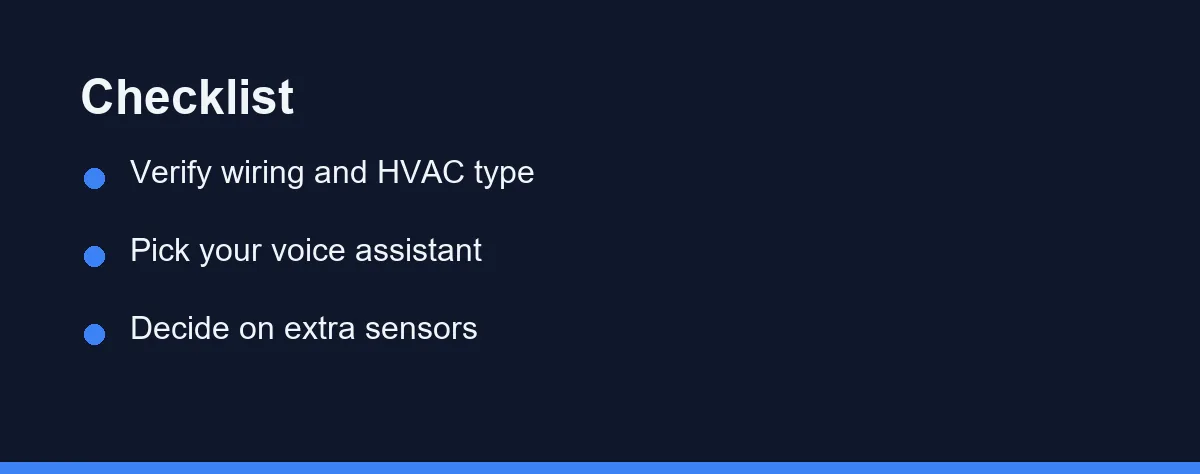
Start with a quick wiring check at your existing thermostat. Look for a C-wire and note your HVAC type, since this single step prevents most compatibility surprises.
Next, choose your ecosystem before the brand. If your home runs on Alexa, prioritize strong Alexa support, and if you use Apple Home, ecobee is often the better fit.
Then decide how much automation you want. Learning thermostats reduce manual effort over time, and schedule-based models give you more direct, predictable control.
Finally, factor in sensors and room coverage. If comfort varies room to room, prioritize sensor-friendly models like ecobee.
Which Pick Fits Your Wiring And Home
These direct picks turn the comparison into fast starting points. Match the one that fits your wiring and ecosystem, then confirm current pricing before buying.
- Best for renters and small apartments: A budget Wyze or Amazon Smart Thermostat covers core scheduling and remote control at a low price. Check that your wiring and lease allow the swap first.
- Best for a Google Home household: A Nest model pairs cleanly with Google and can learn your schedule over time. The Learning Thermostat adds automation for a higher price.
- Best for Apple Home users: An ecobee model supports HomeKit alongside Alexa and Google, and bundles strong remote sensors. It is the most flexible pick across ecosystems.
- Best for large homes with hot and cold spots: An ecobee or Honeywell Home T9 with remote sensors balances temperature across rooms you actually use. Sensors matter more than raw features here.
- Best on a budget: A Nest Thermostat or Wyze unit delivers app control and scheduling without learning extras. If you are unsure it is worth it, our smart vs programmable thermostat guide compares the two.
Fundamentals Are Settled, Fit Is Not
The best smart thermostats in 2026 share strong fundamentals. They offer app control, scheduling, voice support, and reliable remote access.
The right pick still depends on your wiring, HVAC system, and ecosystem. Confirm compatibility first, then choose by assistant and feature depth, and add sensors if comfort varies across rooms.
Always verify current pricing and any utility rebates on official sites. A thermostat also works best as part of a coordinated setup, so see our overview of the best smart home devices as you plan the rest.
FAQ
Do smart thermostats really save money on energy bills?
Most smart thermostats can reduce heating and cooling costs by adjusting temperatures when you are away or asleep. Actual savings vary widely based on your climate, home insulation, and habits. Treat manufacturer savings claims as estimates, not guarantees.
Do I need a C-wire to install a smart thermostat?
Many smart thermostats need a common (C) wire for steady power, though some models include adapters or power-stealing methods. Check your existing wiring and the model requirements before buying. When in doubt, an HVAC professional can confirm compatibility.
Can a smart thermostat work without Wi-Fi or a subscription?
Most models still control temperature locally if Wi-Fi drops, but remote control and app features need a connection. Core thermostat functions rarely require a paid subscription. Some advanced energy or monitoring features may be optional add-ons.
Is a smart thermostat hard to install yourself?
Many buyers self-install in under an hour with a screwdriver and the app guide. The tricky parts are wiring and any missing C-wire. If your system is unusual or high-voltage, an HVAC professional is the safer route.
Do I need remote sensors with a smart thermostat?
Remote sensors let the thermostat read temperature in the rooms you actually use, not just the hallway. They help most in larger homes with hot or cold spots. ecobee models are known for strong sensor support.
Some links may be affiliate links. We may earn a commission at no extra cost to you.
This article was written with AI assistance. It is researched and fact-checked, not based on personal hands-on testing unless explicitly stated.


No comments:
Post a Comment